Trace on paper
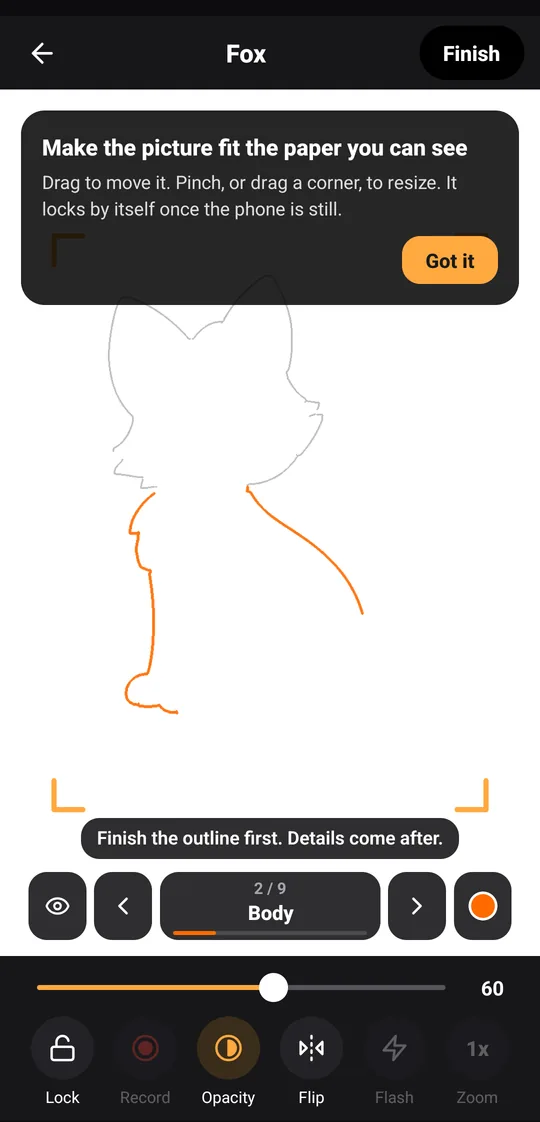
Lay thin paper on the screen, or stand the phone on a glass and draw under the camera. Lock keeps the picture still.
Penlumi shows a picture through your phone so you can draw it on real paper, one step at a time.
Lay thin paper on the screen, or stand the phone on a glass and draw under the camera. Lock keeps the picture still.
Each drawing comes in steps: the outline first, then the main shapes, then the details.
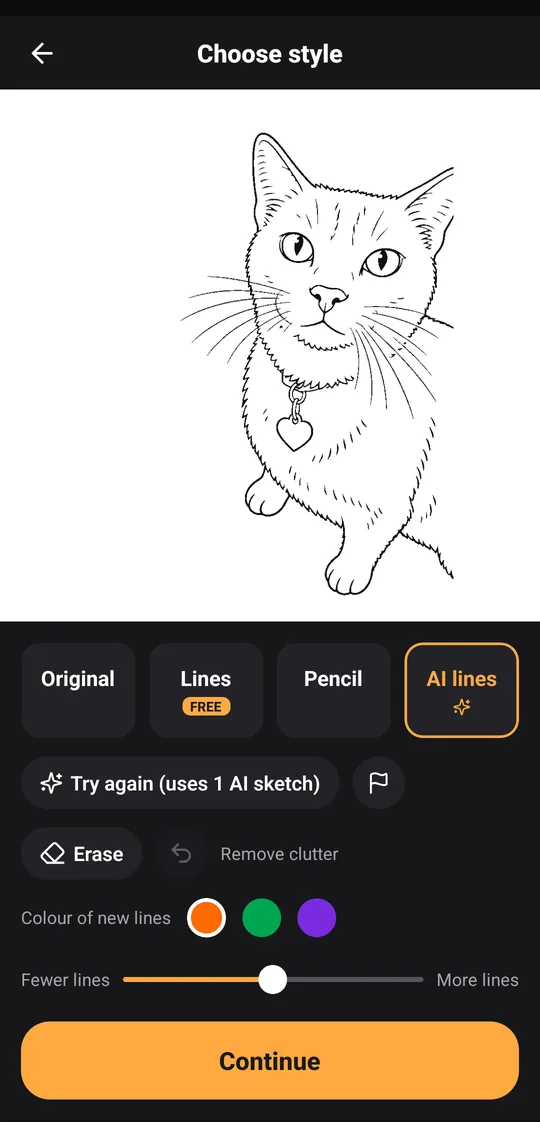
Pick a photo and choose Lines or Pencil. AI lines draws extra-clean lines with OpenAI when you choose it.
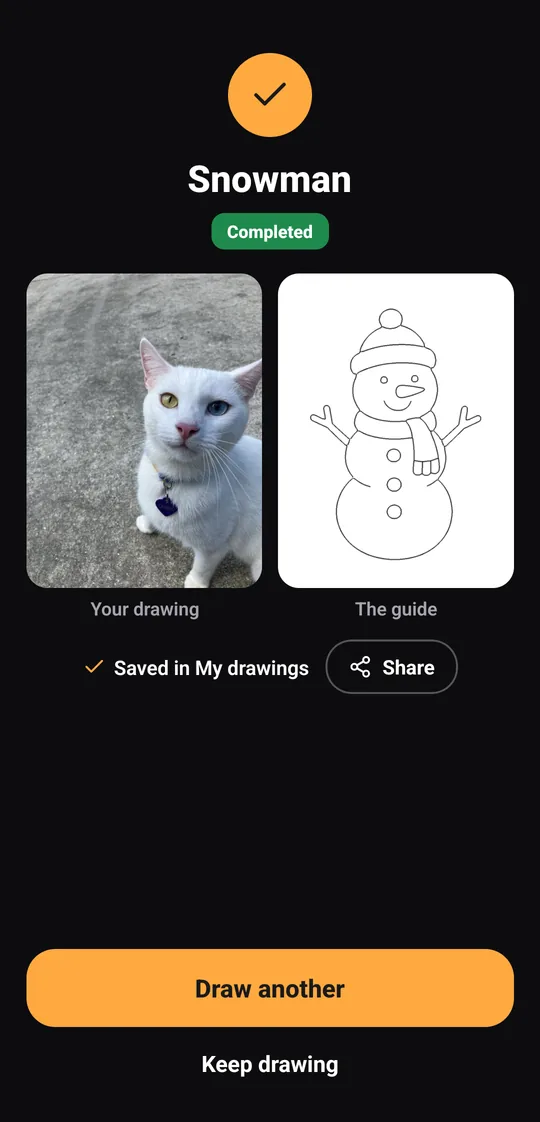
Record a time-lapse while you draw, and keep a photo of each finished drawing next to its guide.
A drawing from the app, or a photo of your own.
Lines or Pencil, with fewer or more lines.
Paper on the screen, or the phone on a glass above the paper.
Draw the new lines of each step until the picture is done.
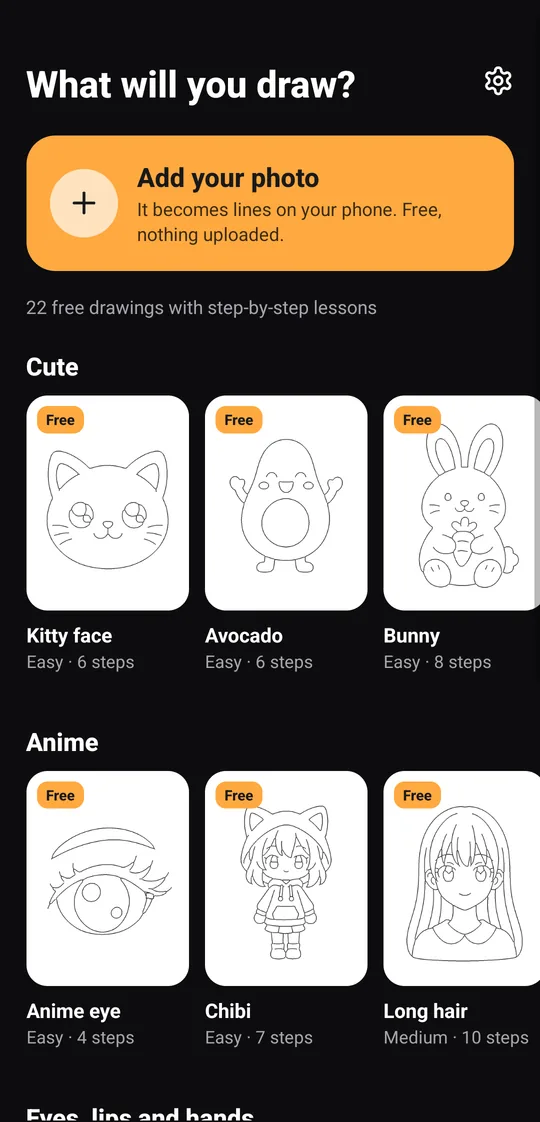
45 drawings in four groups: cute, anime, eyes, lips and hands, and animals and flowers. 22 are free, and one more is free each day.
 Kitty faceEasy · 6 steps
 Happy whaleEasy · 5 steps
 ChibiEasy · 7 steps
 Anime eyeEasy · 4 steps
 LipsMedium · 4 steps
 Open handMedium · 6 steps · Pro
 FoxMedium · 9 steps
 RoseEasy · 6 steps
Yes: 22 drawings with step-by-step lessons are free, one more is free each day, and you can trace your own photos. Pro unlocks every drawing and lesson.
Paper, a pencil and your phone. For the paper on the screen, thin paper works best. For the camera, a glass or a steady stand about 12–15 cm tall.
Android phones with Android 7.0 or newer. Record, the time-lapse of your drawing, needs Android 10 or newer.
Every drawing and lesson without waiting for the free one of the day, and 30 AI sketches a month for AI lines. It's a weekly or yearly subscription through Google Play, and the store shows the price and any free trial before you buy.
In the app, open Settings and tap Manage subscription, or cancel in Google Play under Payments & subscriptions. Pro stays on until the end of the period you paid for.
There's no account and no ads, and drawing works offline. Lines and Pencil are made on your phone. A photo leaves the phone only if you choose AI lines; how it's handled is in the Privacy Policy.
More answers and contact: Support